Visual compression-low warning
Rolling onto a CGM sensor overnight can cause sharp false drops. GlucScreen flags sudden atypical overnight plunges to remind you to double-check with a fingerstick—without ever silencing or delaying real alarms.
Passive desktop displays (like Gluclink) emit no sound alarms at all, and standard phone alerts are far too easy to silence half-asleep—or blind you with a white screen at 3:00 AM. GlucScreen pairs a pitch-black OLED nightstand monitor with customizable sound alarms, slide-to-dismiss protection, and visual compression-low warnings.
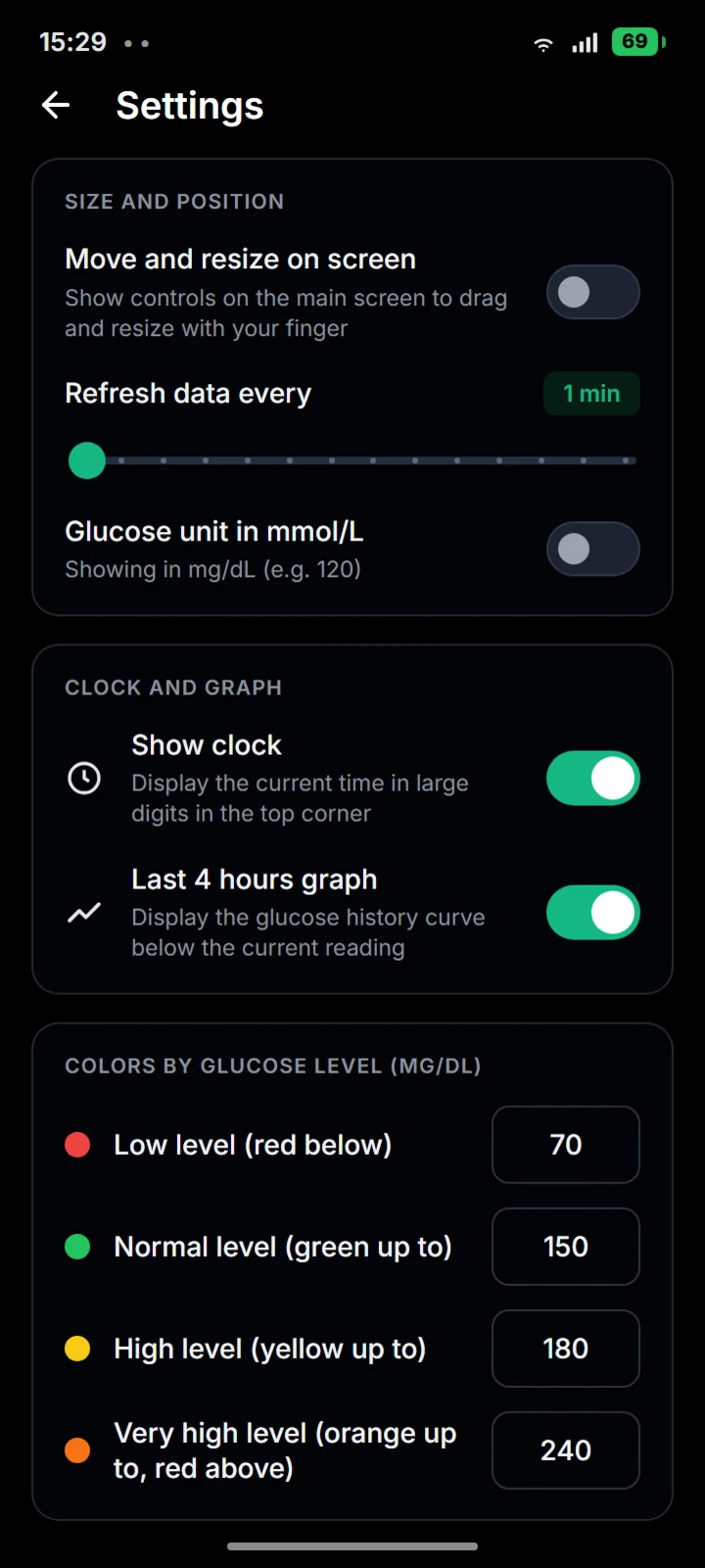
Configure your spare Android phone or tablet for calm, dependable nights in under 2 minutes.
Open Settings inside GlucScreen and pick the exact mg/dL or mmol/L values where you want urgent low or persistent high alerts to sound.
If home Wi-Fi drops or readings pause for more than 15 minutes, GlucScreen immediately strikes through and dims the stale number—and can trigger an audible signal-loss warning.
Schedule overnight alert hours and use 30, 60, or 120-minute snooze options after treating a low or high so the alarm stays quiet while your correction takes effect.
Silencing an active alarm requires sliding the confirmation bar all the way across—preventing accidental one-tap dismissals while half-asleep.
Rolling onto a CGM sensor overnight can cause sharp false drops. GlucScreen flags sudden atypical overnight plunges to remind you to double-check with a fingerstick—without ever silencing or delaying real alarms.
Unlike wall-powered bedside hardware that dies immediately during an overnight outage, an Android phone runs for hours on its built-in battery and warns you if the charger is unplugged.
When you glance at the nightstand at 4:00 AM, pure #000000 black pixels stay completely unlit so only the crisp glucose digits appear in the dark.
No. GlucScreen is an independent secondary bedside display for convenience and backup visibility. Always keep your official CGM alerts enabled and confirm treatment decisions with your official receiver or blood glucose meter.
Yes. Because GlucScreen pulls live data over the internet from LibreLinkUp, Dexcom Share, or Nightscout, your nightstand monitor alerts you whether your child is down the hall, at grandparents’ house, or traveling.
Never. It is a purely visual cue reminding you to verify atypical sudden drops with a fingerstick before over-treating; your configured low sound alarms still fire normally.
Yes. Up to 6 profiles can stay visible simultaneously in split-screen mosaic or automatic rotation with clear color-coded ranges and stale-data protection.
SugarPixel & SugarPixel+ alternative
SugarPixel & SugarPixel+ alternative: a sharper OLED display you already own for $3.99
Gluclink & GlucyView alternative
Gluclink & GlucyView alternative: true OLED glucose monitor with real alarms for $3.99
MySugarDash & GlucoseDisplay alternative
MySugarDash & GlucoseDisplay alternative: turn any Android tablet or phone into a family CGM dashboard
SugarClock, Ulanzi & Tidbyt alternative
SugarClock, NSClock (Ulanzi TC001) & Tidbyt alternative: no firmware flashing, plus a real 4-hour chart
Glowcose & Glucose Projector alternative
Glowcose, Glucose Projector (Gluview) & Frixos alternative: nighttime clarity without lighting up the room
FreeStyle LibreLinkUp guide
Always-On OLED glucose display for FreeStyle Libre (LibreLinkUp)
Dexcom Share guide
Always-On OLED glucose display for Dexcom Share (G6, G7 & ONE+)
Medtronic CareLink guide
OLED nightstand display for Medtronic CareLink (MiniMed 780G & Guardian) with no Nightscout server
Nightscout OLED guide
Always-On OLED glucose display for Nightscout (Loop, AndroidAPS & xDrip+)
Repurpose an old Android
How to turn an old Android phone into a 24/7 nightstand CGM display
GlucScreen alternatives
GlucScreen alternatives: an honest comparison with other CGM display apps & hardware
Repurpose an old tablet
How to turn an old Android tablet into a large family glucose display
CGM display under $5
Bedside glucose display under $5: save $95 to $280 without buying another gadget
MiGluvi alternative
MiGluvi (Gluvi) alternative: true OLED glucose monitor with real alarms for $3.99
Sugarmate alternative (Android/Libre)
Sugarmate alternative for Android: direct, stable, and built for both FreeStyle Libre and Dexcom
Shuggah alternative (no subscription)
Shuggah alternative with no subscription: $3.99 one-time OLED glucose monitor on Android
Sweet Dreams alternative (Android)
Sweet Dreams alternative for Android: 24/7 OLED bedside glucose display with zero annual fees
Nightwatch Android replacement
Modern Nightwatch replacement for Android: built for current Nightscout servers and Android 14–16
Set up pure-black OLED monitoring with SlideToConfirm night alarms in under 2 minutes.
Technical support included: [email protected] · Support center →